Upscaler
Main upscaler for enlarging video to display resolution. This filter is used whenever the source resolution is smaller than the display resolution.
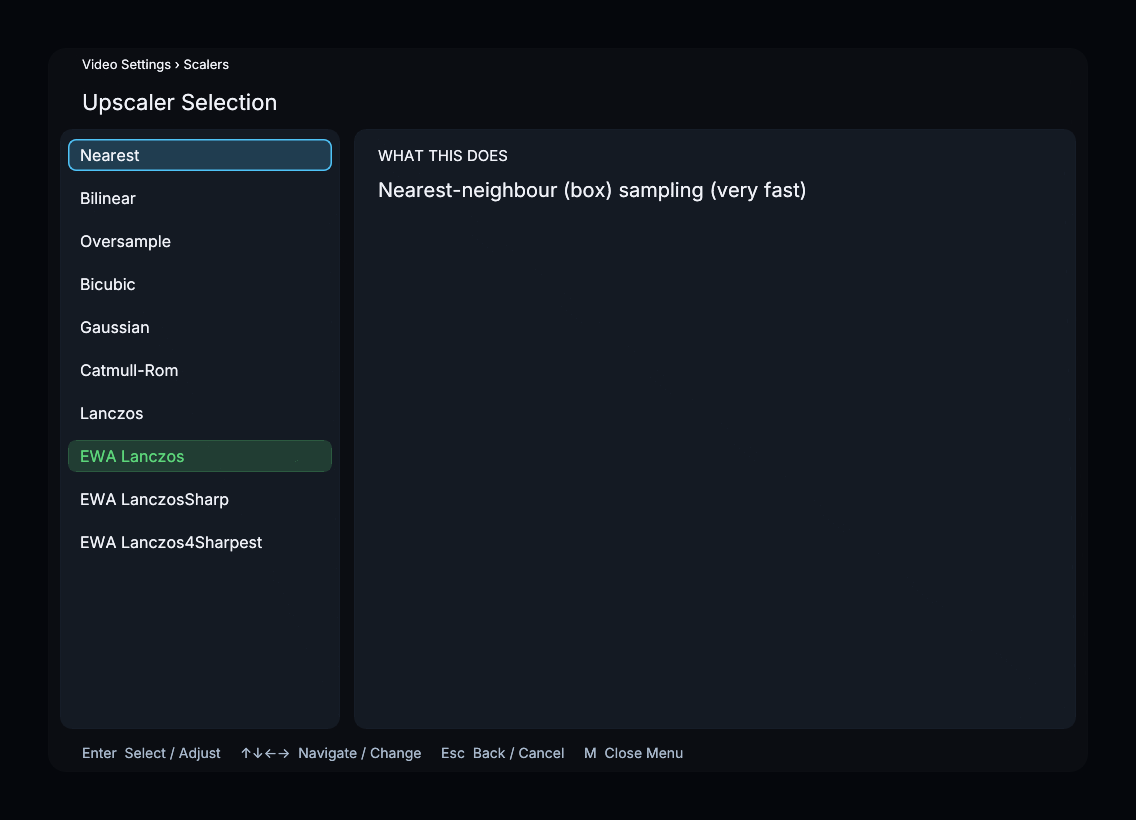
Available Options
| Filter | Internal Name | Description | Speed |
|---|---|---|---|
| Nearest | nearest | Nearest-neighbour (box) sampling | Very fast |
| Bilinear | bilinear | Bilinear sampling | Very fast |
| Oversample | oversample | Aspect-ratio preserving nearest neighbour sampling | Very fast |
| Bicubic | bicubic | Bicubic interpolation | Fast |
| Gaussian | gaussian | Gaussian smoothing | Fast |
| Catmull-Rom | catmull_rom | Catmull-Rom cubic spline | Medium |
| Lanczos | lanczos | Lanczos reconstruction | Medium |
| EWA Lanczos | ewa_lanczos | EWA Lanczos (Jinc) reconstruction | Slow |
| EWA LanczosSharp | ewa_lanczossharp | Sharpened version of EWA Lanczos | Slow |
| EWA Lanczos4Sharpest | ewa_lanczos4sharpest | Very sharp EWA Lanczos with anti-ringing | Very slow |
Default: EWA Lanczos (ewa_lanczos)
Recommended Settings
- EWA Lanczos is the default and provides an excellent balance of sharpness and quality for most content.
- Lanczos is a good alternative if EWA Lanczos is too slow on your GPU.
- EWA Lanczos4Sharpest produces the sharpest result with built-in anti-ringing, but is computationally expensive.
- Nearest preserves hard pixel boundaries; Bilinear smooths between neighboring samples.
- Pair with the Antiringing Strength parameter to control ringing artifacts from sharp filters.
Menu Path
Main Menu → Video Settings → Scalers → Upscaler