Dithering
Reduce quantization artifacts when the rendered image is output to a lower bit depth than the internal processing pipeline.
Dithering adds a carefully chosen noise pattern so that colour gradients appear smoother than the output bit depth would normally allow. Without dithering, subtle gradients can collapse into visible banding at the final output stage — even if debanding was applied earlier in the pipeline.
Default: On
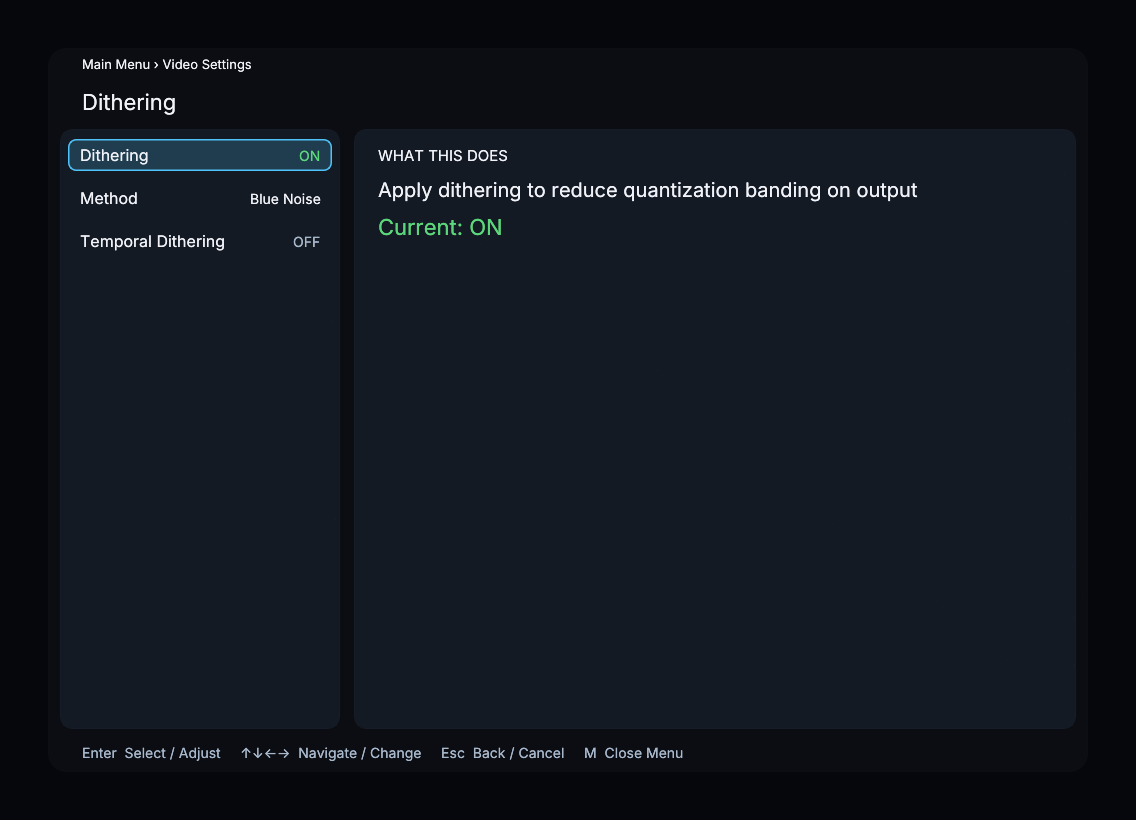
Parameters
Dither Method
| Method | Description |
|---|---|
| Blue Noise | Blue-noise pattern |
| Ordered LUT | Bayer-matrix dithering from a look-up table |
| Ordered Fixed | Bayer-matrix dithering computed in the shader |
| White Noise | Uniform random-noise pattern |
Default: Blue Noise
Blue Noise is the default. Ordered methods use structured patterns; White Noise uses random noise. Compare visible grain or patterning in smooth gradients.
Temporal Dithering
| Property | Value |
|---|---|
| Default | Off |
| Type | Toggle |
When enabled, the dither pattern changes every frame. Changing the pattern can make fixed-pattern artifacts less visible, but can also make noise or shimmer more noticeable.
Recommended Settings
- General use — leave dithering on with Blue Noise. This is the default and works well for all content.
- High refresh rate displays — compare Temporal Dithering on and off using a smooth gradient.
- Performance-constrained GPU — compare the available methods while checking rendering time.
Menu Path
Main Menu > Video Settings > Dithering