Display Modes
List and apply fullscreen display modes.
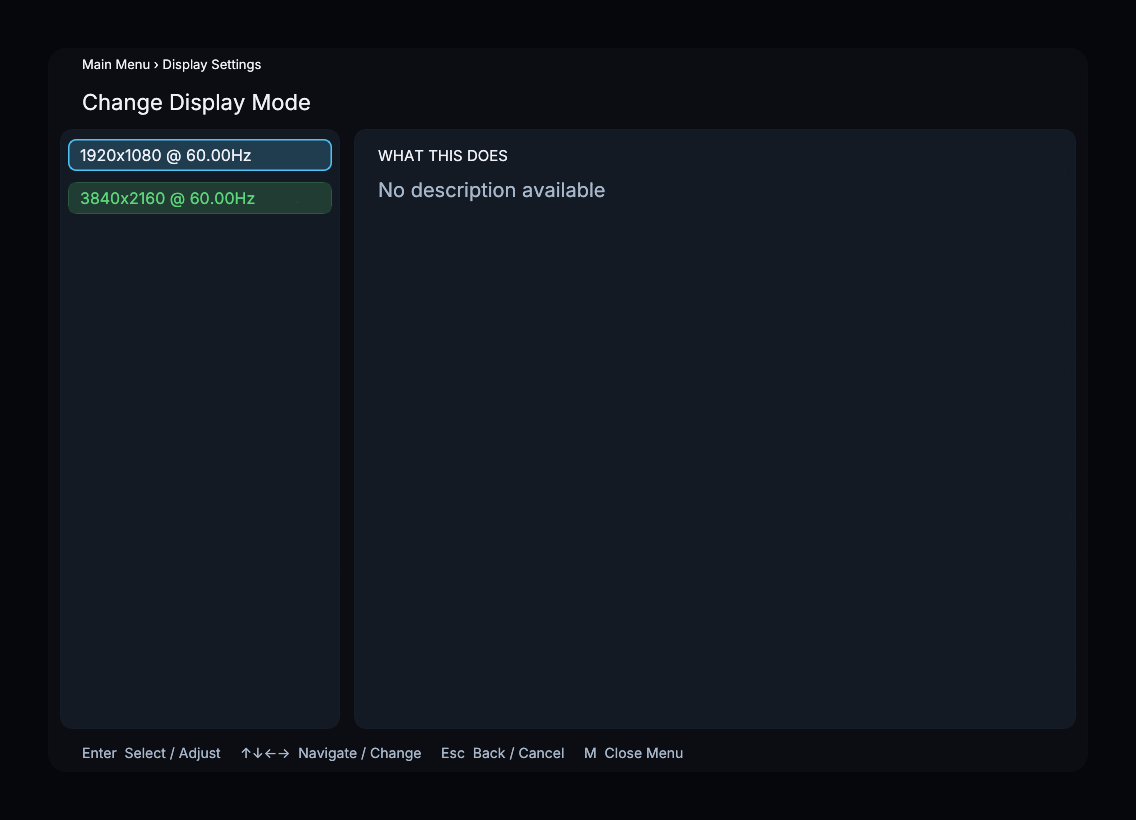
The screenshot shows example display modes; your list comes from the connected display.
How It Works
Shows all available display modes for the current display. Each entry is formatted as WIDTHxHEIGHT @ REFRESH Hz (e.g. "3840x2160 @ 59.94 Hz"). The currently active mode is highlighted.
Select a mode to switch the display resolution and refresh rate. On direct-display (DRM/KMS) output, a manual change starts a confirmation trial: keep the new mode to accept it, or revert to restore the previous mode. If the trial times out, the previous mode is restored automatically. An active video output is required to start a trial.
Modes with a 0 Hz refresh rate are filtered out.
Recommended Settings
Choose the mode that matches your display's native resolution and preferred refresh rate. If you plan to use Auto Refresh Rate, use the Whitelist instead of manually switching modes.
Menu Path
Main Menu > Display Settings > Change Display Mode