Display Settings
Open Main Menu → Display Settings to configure display output and select a resolution and refresh rate.
Connector controls depend on the active display backend and hardware. HDR Output, Colorspace, and Output Range are hidden outside DRM/KMS mode.
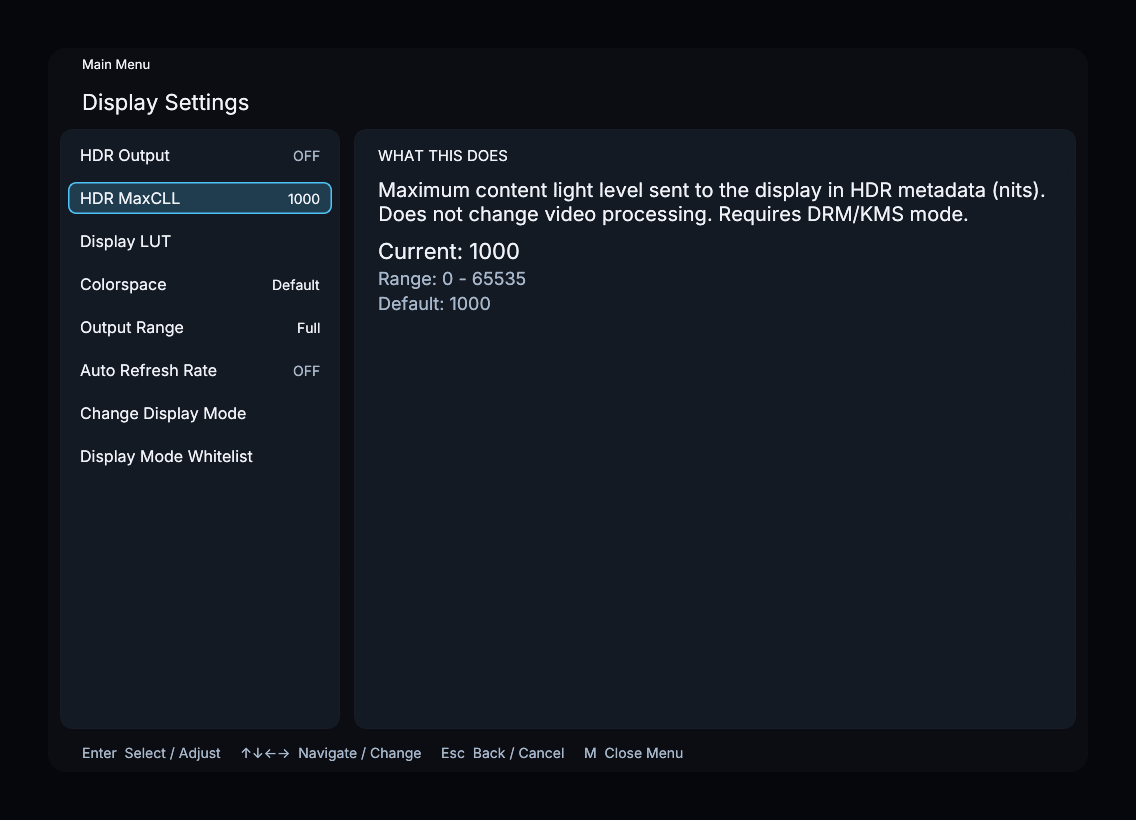
This screenshot shows a DRM/KMS example with writable connector controls.
Output controls
| Control | Availability and purpose |
|---|---|
| HDR Output | DRM/KMS only; enables PQ output and HDR static metadata |
| HDR MaxCLL | Maximum content light level sent in HDR metadata, in nits; disabled outside DRM/KMS mode. Does not change video processing |
| Display LUT | Selects and enables a LUT profile uploaded through the web interface |
| Colorspace | DRM/KMS connector control; editable when supported, otherwise a read-only reported value |
| Output Range | DRM/KMS connector control; Full or Limited when writable, otherwise a read-only reported value |
| Auto Refresh Rate | Automatically chooses from whitelisted modes; off by default |
| Change Display Mode | Manually selects an available resolution and refresh rate |
| Display Mode Whitelist | Selects modes available to automatic switching |
When Colorspace is writable, its choices are Default, BT2020 RGB, and BT2020 YCC. HDR Output controls that selection while enabled. Match Output Range to the levels expected by the display.
Display LUT
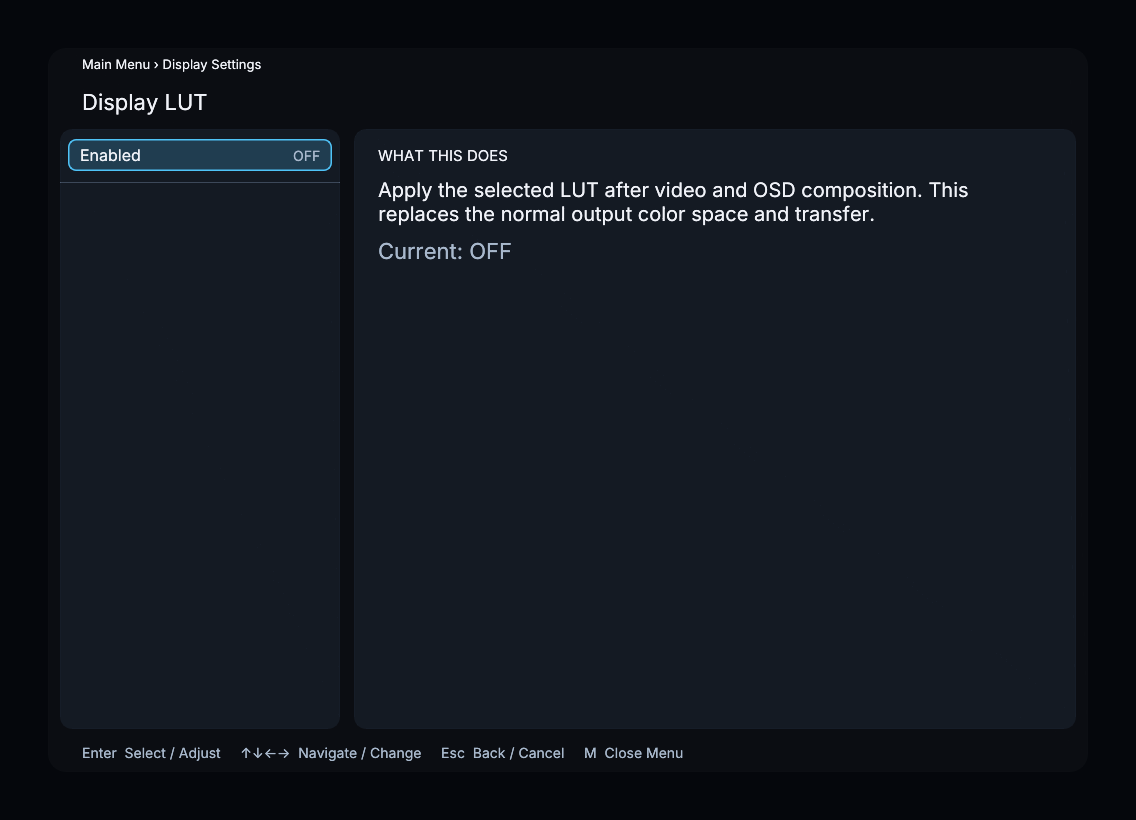
Upload LUT files and configure their input color settings in the web interface. In the on-screen Display LUT menu, select a stored profile and switch Enabled on.
The LUT transforms the video before the on-screen menu is composited. While enabled, it replaces the normal output primaries and transfer function for both SDR and HDR; those selectors are disabled. Reference White still participates in display LUT processing.