Auto Refresh Rate
Automatically switch display modes to match the content framerate.
How It Works
When enabled, the application selects a whitelisted display mode whose refresh rate best matches the source framerate before playback begins. A compatible refresh rate can reduce cadence judder; the result depends on which modes the display provides and which ones you allow.
Only modes added to the Display Mode Whitelist are considered as candidates.
Parameter
| Property | Value |
|---|---|
| Type | Toggle (On / Off) |
| Default | Off |
Recommended Settings
Enable this setting and whitelist all display modes you want the application to choose from. At minimum, whitelist modes at 24 Hz (or 23.976 Hz) and your native refresh rate so automatic selection has appropriate film and higher-rate modes available.
Menu Path
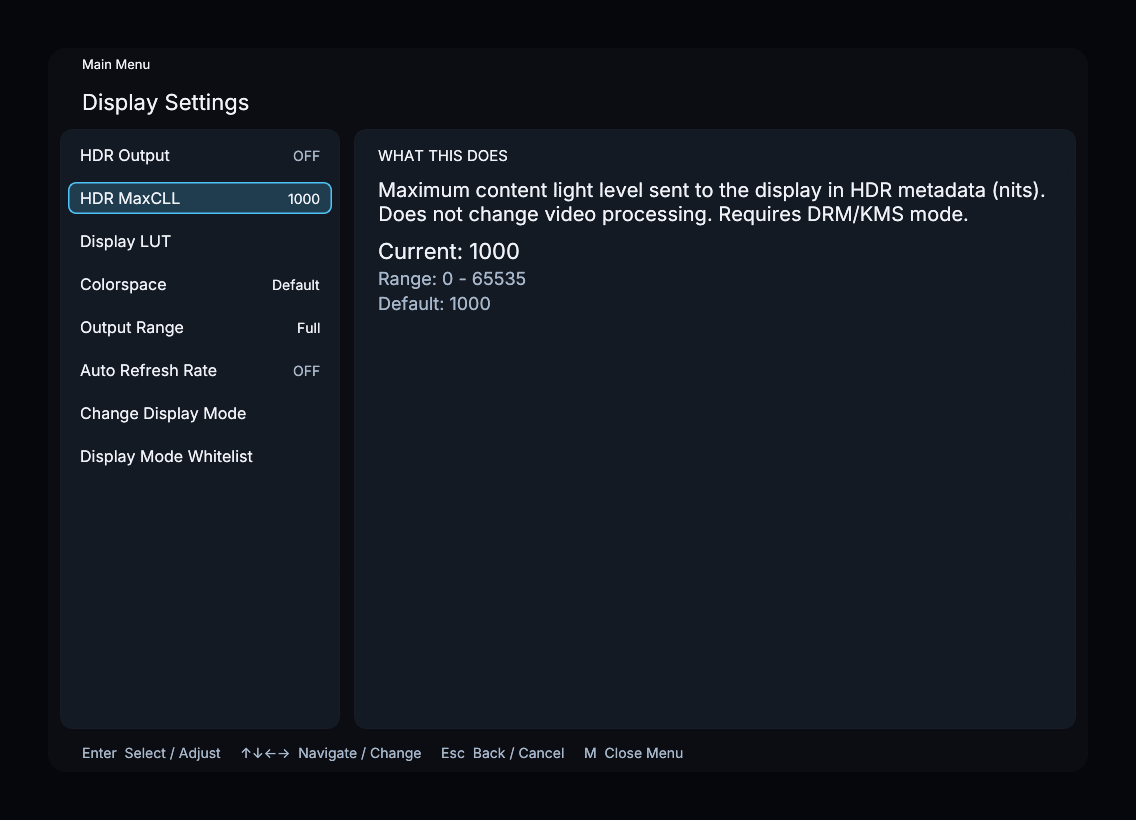
Main Menu > Display Settings > Auto Refresh Rate