Anti-Ringing
Reduce ringing artifacts introduced by sharp upscaling filters. Ringing appears as bright halos or dark outlines around high-contrast edges and is most visible with filters like Lanczos and EWA Lanczos.
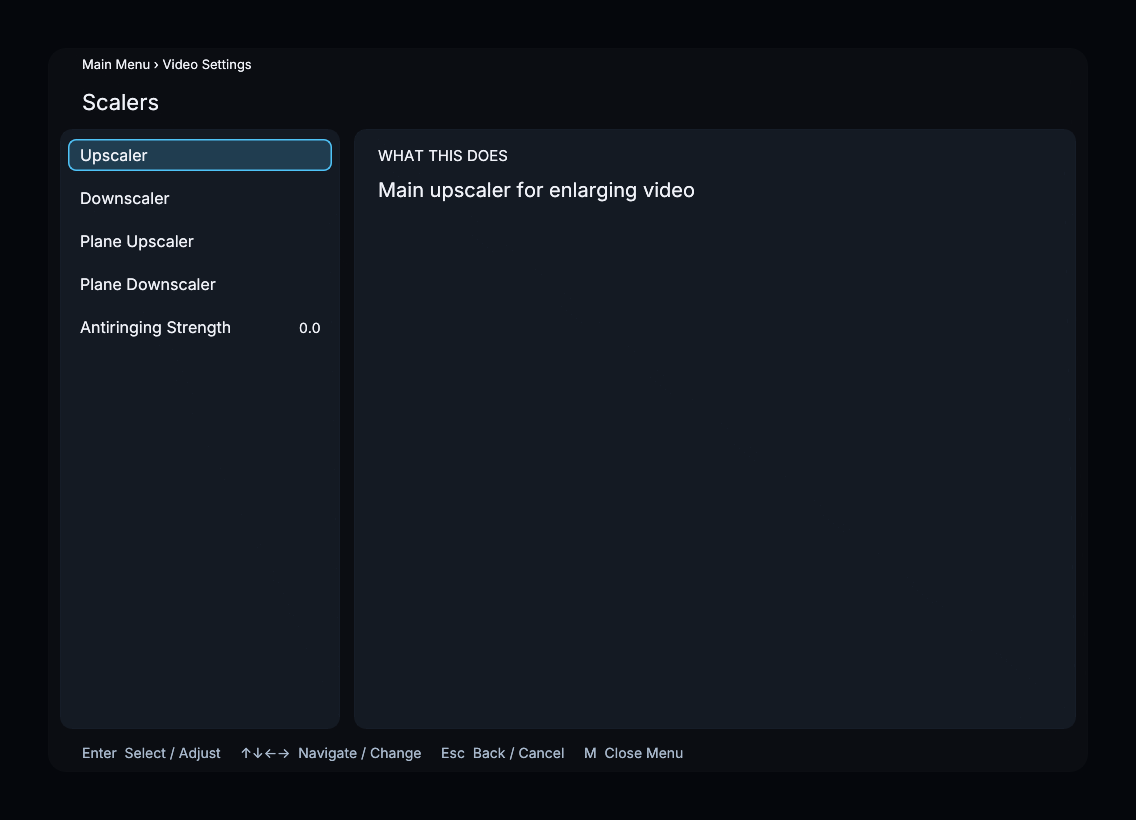
Parameter
| Property | Value |
|---|---|
| Default | 0.0 |
| Range | 0.0 -- 1.0 |
| Step | 0.1 |
Higher values suppress ringing more aggressively but may soften the image. A value of 0.0 disables this additional suppression; a filter may still include its own antiringing behavior.
Adjusting the strength
Start at 0.0 and increase only if you see halos around high-contrast edges. Compare fine detail as well as ringing: stronger suppression can soften the result. The setting is shared by the main and plane scaling filters.
Menu Path
Main Menu → Video Settings → Scalers → Antiringing Strength